
Goal
Create a clearer WooCommerce storefront system that reduces repeated work and stays practical for daily use.
A ecommerce storefront build for a online retail brand in Ecommerce & Retail, focused on clearer structure, smoother management, and a stronger post-launch workflow.
A structured WooCommerce storefront made product discovery and store management easier.

Project Summary
Create a clearer WooCommerce storefront system that reduces repeated work and stays practical for daily use.
The client needed better structure because product discovery was not clear enough and the workflow was becoming harder to manage.
The final system made the workflow easier to control, review, and improve without adding unnecessary complexity.
WooCommerce Multi-Category Storefront System turned a harder-to-manage workflow into a clearer digital system built for daily use and future updates.
We completed this project in 2025 for an online retail brand in New Zealand working in Ecommerce & Retail. The engagement ran for 4 months and focused on WooCommerce storefront system with a practical delivery style: understand the real workflow, design the right structure, build the core system, and make it easy to manage after launch. The work covered Website Design & Development, WordPress Development, WooCommerce Development. The technical direction used WordPress, WooCommerce, PHP, MySQL. Instead of creating a one-off screen or basic website update, the project shaped a working foundation around product category structure, responsive store layouts, product detail presentation, so the final result felt useful, organized, and ready.
Location
New Zealand
Duration
4 Months
Services
Website Design & Development, WordPress Development
Client Type
Online retail brand
Industry
Ecommerce & Retail
Project Type
WooCommerce Storefront System
Engagement
Ecommerce Storefront Build
Collaboration
Remote design and development
The project mattered because product discovery was not clear enough, and the client needed a practical build that could keep working after launch.
Project Story
The main challenge was not only building the feature set. The existing process made product discovery was not clear enough, which created friction for the people using or managing the system. The work needed a cleaner structure that could reduce confusion without making the final experience difficult to maintain.
The solution focused on cleaner category structure and turning the core workflow into something easier to manage. The build connected the important screens, records, actions, and content areas into one clearer flow instead of leaving the client with disconnected updates.
Implementation was planned around practical use after launch. The work covered organized product and category templates, built responsive store sections, and configured ecommerce settings while keeping the code, admin experience, and handoff simple enough for future improvements.
Impact and Result
The business gained a more organized operating flow, fewer repeated steps, and a clearer way to manage the work connected to ecommerce & retail. This made the system easier to use during normal daily activity, not only during launch.
The technical foundation became easier to maintain because the important logic, content, records, and interface behavior were structured around the real workflow instead of scattered one-off fixes.
After launch, the work gave the client a more dependable way to handle the project workflow. The biggest improvement was not just visual polish; it was the combination of clearer structure, better management flow, and a system that could keep supporting day-to-day decisions.
0.46
Smoother buying flow
0.38
Less store friction
0.82
Clearer product browsing
1
Managed store system
Project Snapshot
Product category structure
Responsive store layouts
Product detail presentation
Checkout-friendly flow
Editable ecommerce sections
Store management setup
WordPress
WooCommerce
PHP
MySQL
Ecommerce UX
Storefront development
Responsive design
CMS setup
Product flow planning
Conversion-focused layout

Strategic case studies
Anonymous case studies that show the systems, workflows, and full-stack implementation thinking behind real project work.
Finance & Billing Software
A multi-phase product build for a business software operator in Finance & Billing Software, focused on clearer structure, smoother management, and a stronger post-launch workflow.

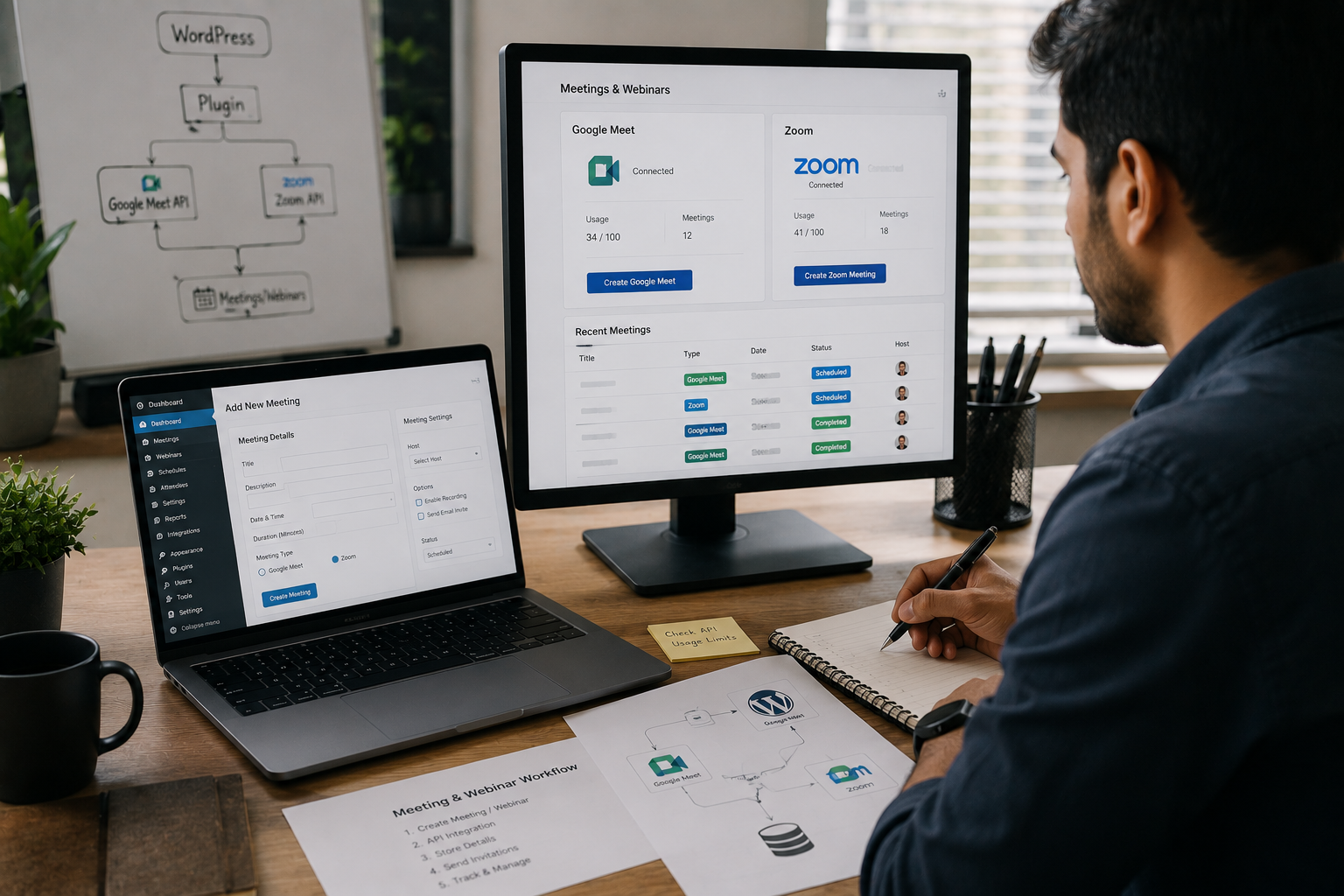
Online Education & Events
A plugin automation build for a training business in Online Education & Events, focused on clearer structure, smoother management, and a stronger post-launch workflow.
View Case Study
SEO & Content Intelligence
A ml tool prototype for a content strategy team in SEO & Content Intelligence, focused on clearer structure, smoother management, and a stronger post-launch workflow.
View Case Study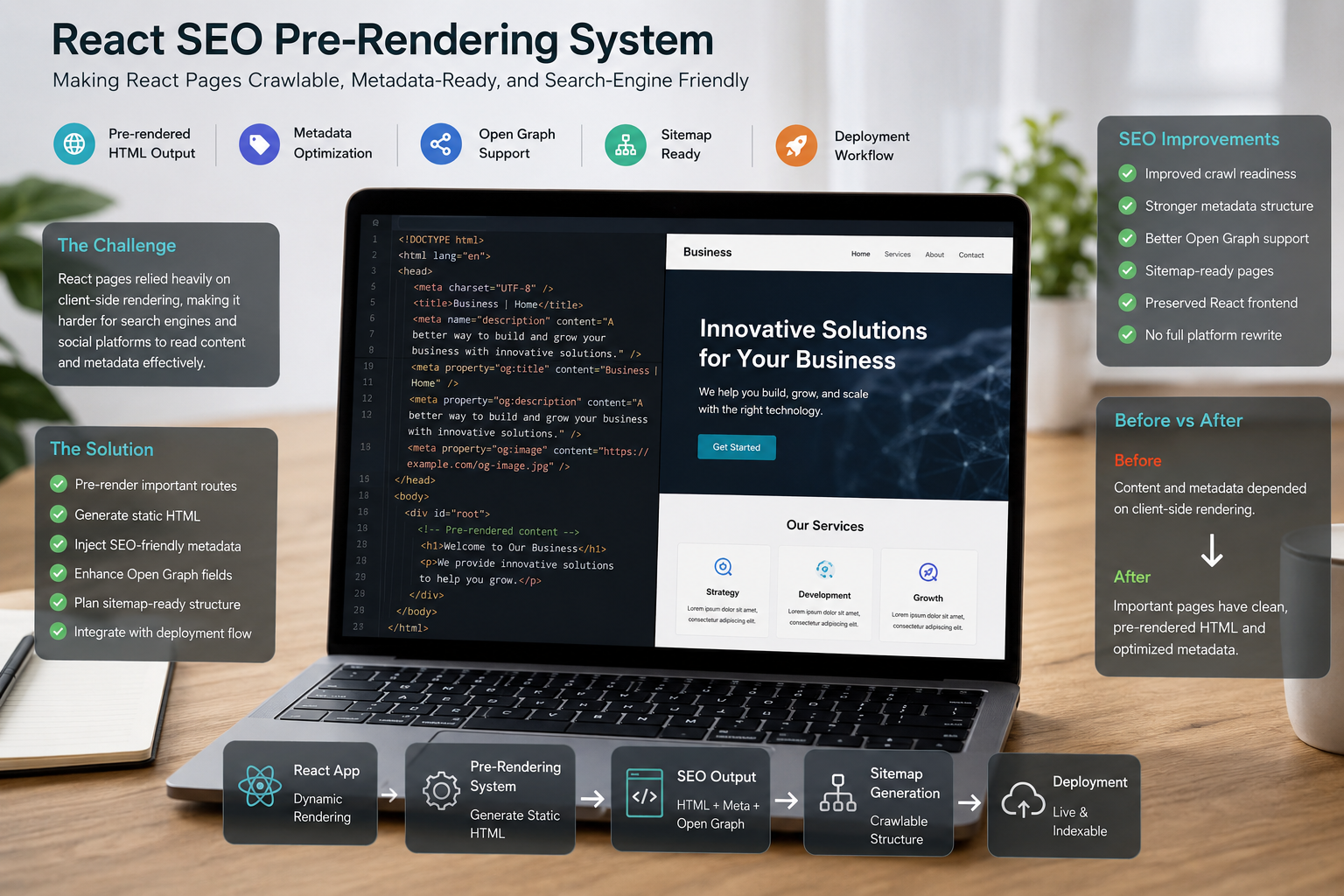
Website Performance & SEO
A seo engineering sprint for a react website owner in Website Performance & SEO, focused on clearer structure, smoother management, and a stronger post-launch workflow.
View Case StudyInsights & Blogs
Practical notes on development, CMS, SEO, automation, and product workflows.
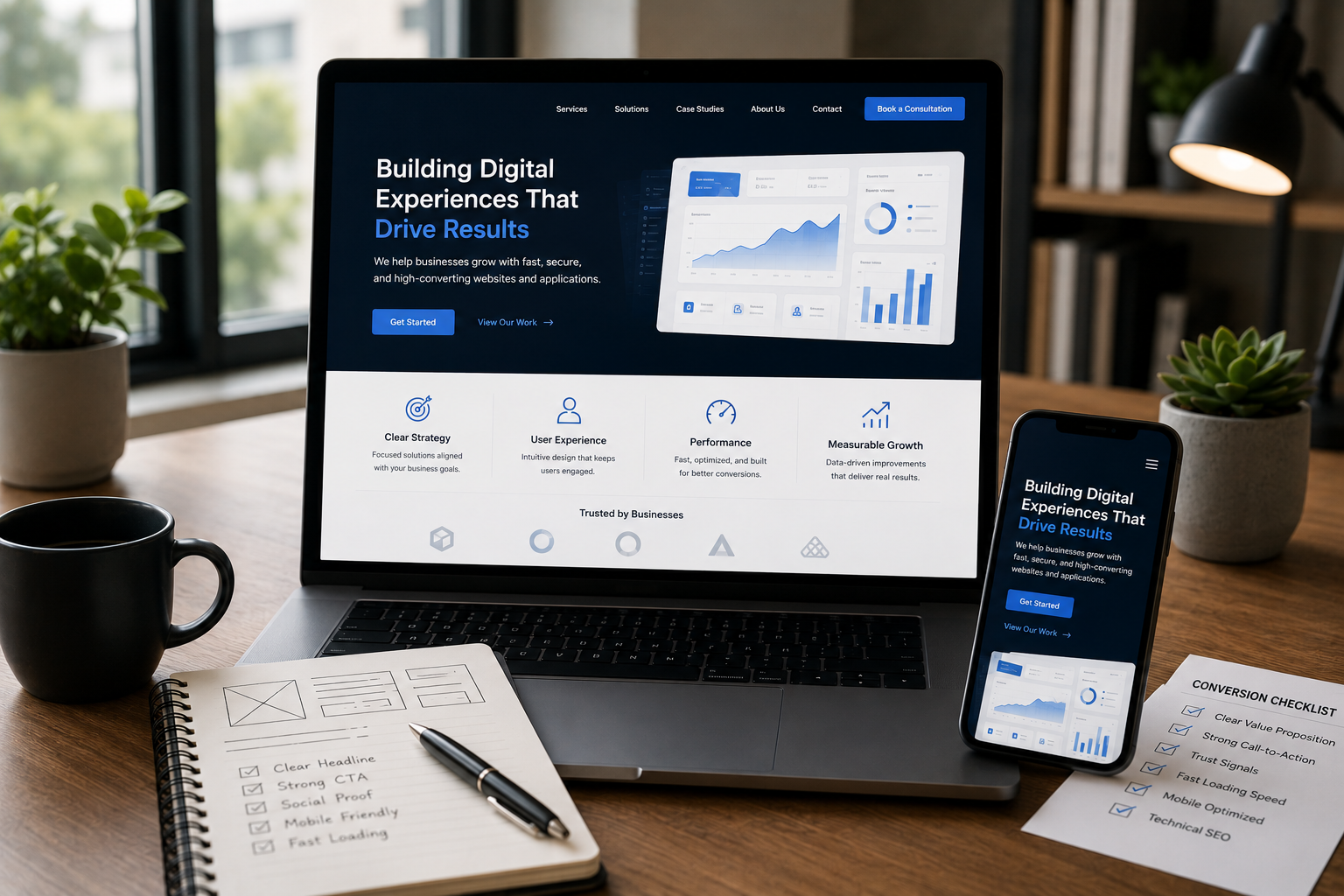
Your website looks stunning, but is it converting visitors into leads? Learn the critical design, UX, and technical SEO mistakes that silently hurt your business's revenue and trust.
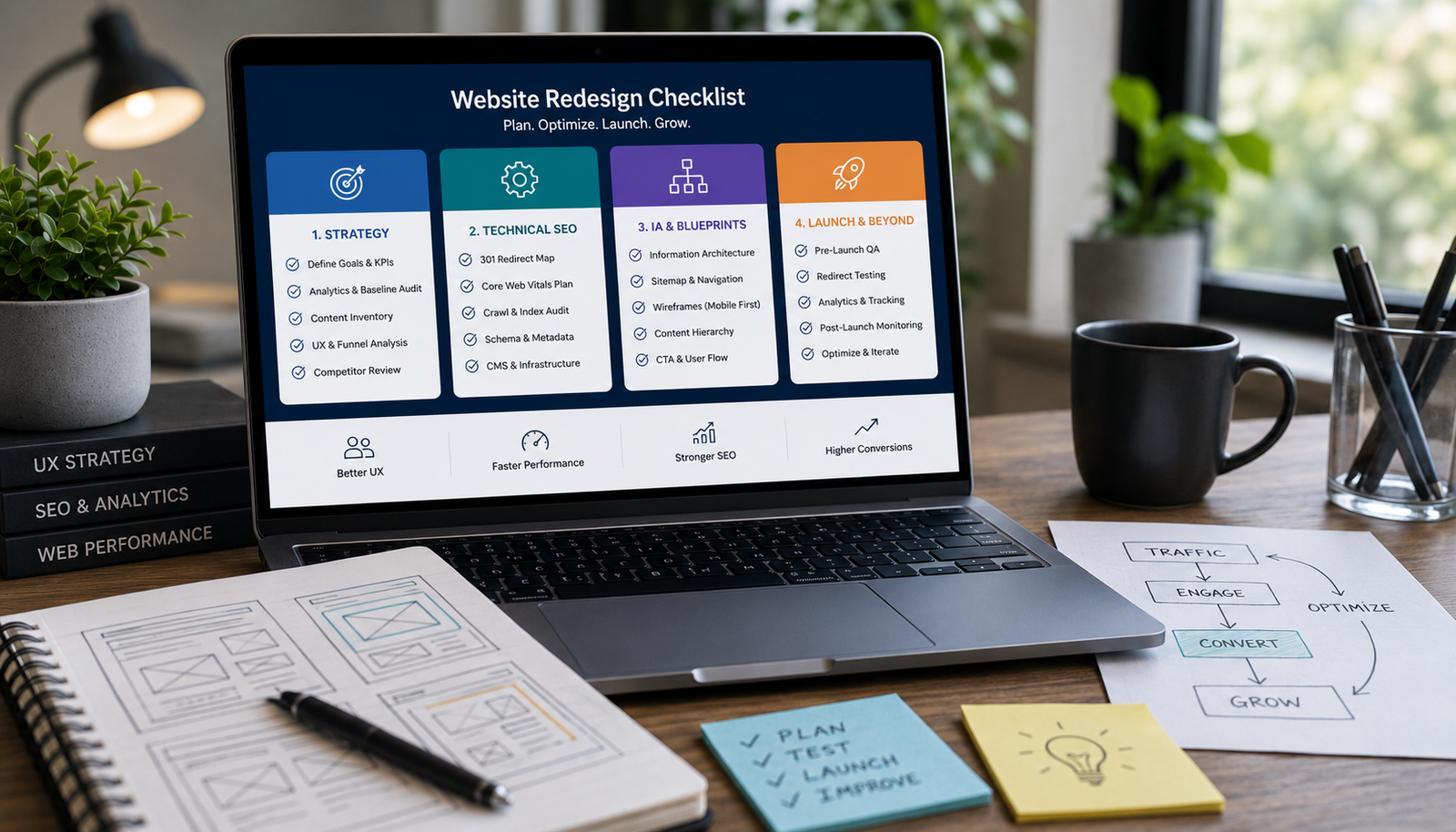
Avoid costly, risky redesigns. Use this essential 4-phase checklist covering strategic content audits, technical SEO migration, performance benchmarking, and wireframing before touching the UI.

Learn the practical steps to design a service website that looks high-end and trustworthy. Focus on strategic whitespace, clear messaging, structured layout, and conversion-focused trust signals.